Wi-Fi Smart Plugs for Your Smart Home

Wi-Fi smart plugs are among the easiest ways to control household appliances smartly and integrate them into digital workflows. The first section already shows why Wi-Fi smart plugs are so popular: They add features to existing electrical devices, such as timers, remote access, and energy monitoring – without installation effort or technical expertise. They therefore represent a cost-effective entry into the world of smart homes and can be used effectively in private homes, offices, and home offices.
What are Wi-Fi smart plugs?
Wi-Fi smart plugs – also called smart plugs or WiFi sockets – are compact adapters that are placed between a standard wall socket and an electrical device. They connect to your home Wi-Fi network and can then be controlled via a smartphone app, schedule, or voice command. This integration allows even older devices – such as table lamps, fans, radios, or coffee makers – to be incorporated into digital control systems. For users who already use power strips or workplace solutions, Wi-Fi smart plugs can be a functional addition.
What are Wi-Fi smart plugs used for?
The applications are diverse and range from convenience features to energy management and security applications.
- Automate lighting
Lamps without integrated smart home functionality can be conveniently switched on and off or operated according to a timer. This is particularly useful for lamps that are hard to reach or for scenes like "evening lighting." - Make household appliances smarter
Wi-Fi smart plugs allow devices such as air purifiers, humidifiers, fans, or coffee makers to be switched on and off automatically. Many users use smart plugs to start them automatically in the morning without having to press a button. - Reduce standby power consumption
Many electronic devices continue to consume power in standby mode. Wi-Fi smart plugs allow TVs, game consoles, audio systems, or chargers to be completely disconnected from the mains power supply. - Security and Presence Simulation
Timer functions can help simulate occupancy. This simple method is often used as part of a burglary protection concept. - Smart Home Integration
Wi-Fi smart plugs can be integrated into more complex routines via platforms like Google Assistant, Alexa, Apple Siri, or Home Assistant – for example, when leaving or entering the house. - Office and Home Office Use
In the workplace, smart plugs are often used to control printers, routers, displays, or task lighting in an energy-efficient manner.
What's Needed for Use?
- Getting started is straightforward and requires only a few prerequisites.
- Stable Wi-Fi in the 2.4 GHz band: Most models operate at 2.4 GHz, as this band offers a long range.
- Smartphone and Manufacturer App: Setup is typically done via an app, where timers and scenes can also be created.
- Optional: Voice Assistant: Many smart plugs support Alexa, Google Assistant, or Siri. Voice control significantly increases convenience.
- Mechanical switch on the device: Some devices with electronic touch buttons do not automatically switch back on after a power outage. Mechanical switches are therefore ideal.
Advantages of Wi-Fi smart plugs
- Easy setup: No assembly, no tools, no electrical work: Wi-Fi smart plugs are simply plugged in and connected via an app.
- Flexible operation: Devices can be controlled regardless of the location of the plug. This is particularly practical for furniture or hard-to-reach areas.
- Energy monitoring: Many smart plugs record the power consumption of the connected device. This makes it easy to identify energy guzzlers in the home.
- Automated routines: Timers, scenes, and geofencing allow you to control devices at specific times or in response to specific events. Examples:
- Turn on lights at sunset
- Activate coffee machine at 7:00 a.m.
- Turn off all devices when no one is home
- Increased safety: Some models feature temperature monitoring, overload protection, or automatic shut-off functions.
- Affordable entry into the smart home: Many Wi-Fi smart plugs are attractively priced and therefore suitable for implementing initial smart home functions.
Disadvantages of Wi-Fi smart plugs:
- Limited power: Most models are designed for 10–16 A. This should be considered for high-powered kitchen appliances or heating devices.
- Reliance on Wi-Fi: Functionality may be limited in the event of outages or a weak connection.
- Cloud data: Many inexpensive models store data in external clouds. This can be relevant for privacy-conscious users.
- Device compatibility: Devices with touch controls often do not start automatically when power is supplied.
- Low power consumption: Smart plugs also consume some energy – usually between 0.5 and 1.5 watts.
Practical examples in the home and office:
Wi-Fi smart plugs can be used effectively in almost any room. Whether it's about making devices more convenient to use, automating processes, or saving energy – smart plugs offer practical added value in many areas. The following examples show typical everyday applications.
- Living Area
In the living room, several devices are often used simultaneously: lighting, entertainment electronics, or decorative light sources. Wi-Fi smart plugs help to control these components more conveniently and operate them energy-efficiently. Smart control provides greater clarity and security, especially for hard-to-reach sockets or devices in the TV cabinet. Typical applications include:- Automating lamps
- Integrating decorative lighting
- Completely switching off media devices
- Kitchen
In the kitchen, there are often appliances that are only needed at certain times of day. Smart plugs allow such devices to be activated selectively without being constantly powered. This can reduce energy consumption and simplify everyday routines, for example, by having the coffee machine switched on in the morning. is ready for use. Possible applications include:- Using a coffee machine on a timer
- Disconnecting kettles or microwaves from the mains
- Safely switching off kitchen appliances automatically
- Bedroom
In the bedroom, comfort, a pleasant atmosphere, and a quiet environment are paramount. A Wi-Fi smart plug can help to better control lighting, ventilation, and air quality. Devices that are only intended to run intermittently can also be operated efficiently via a timer. Applications would include:- Automatically switching on nightlights
- Using air purifiers or humidifiers
- Controlling fans via a timer
- Home Office
In a home office, the focus is on efficiency and reliable technology. Wi-Fi smart plugs can help to use devices strategically, avoid unnecessary standby power consumption, and automate processes. This is particularly helpful when several devices are operated simultaneously or only used sporadically. Possible use cases:- Activate printers only when needed
- Automatically restart routers
- Integrate workplace lighting
- Outdoors
Smart plugs can also offer clear benefits in the garden or on the patio – provided they are weatherproof outdoor models. They allow you to control lighting, pumps, or seasonal installations such as Christmas lights. This makes it possible to create convenient routines without having to intervene manually each time. Typical applications include:- Control garden lighting
- Switch pond pumps
- Activate irrigation systems
- Operate Christmas lights on a timer
Setting up a Wi-Fi smart plug
- Plug in the smart plug – The LED usually indicates the connection mode.
- Install the app and connect your device – Select your model and enter your Wi-Fi credentials.
- Name your device – Unique names will help with automations later, e.g., "Desk Lamp" or "Coffee Maker."
- Create timers and scenes – Schedules, random switching, or automatic shut-offs can be created directly in the app.
- Pair your voice assistant – Connecting to Amazon Alexa, Google Assistant, or Siri takes just a few steps.
Advanced features of modern Wi-Fi smart plugs:
- Energy analysis – Some models offer detailed consumption statistics over weeks or months.
- Safety features – Overload protection, temperature monitoring, and automatic shut-offs enhance safe operation.
- Local control – High-end models offer local control without the cloud – for greater data privacy.
- Matter standard – Future Wi-Fi smart plugs will increasingly support the Matter standard, facilitating integration across different manufacturers.
Alternatives to Wi-Fi smart plugs
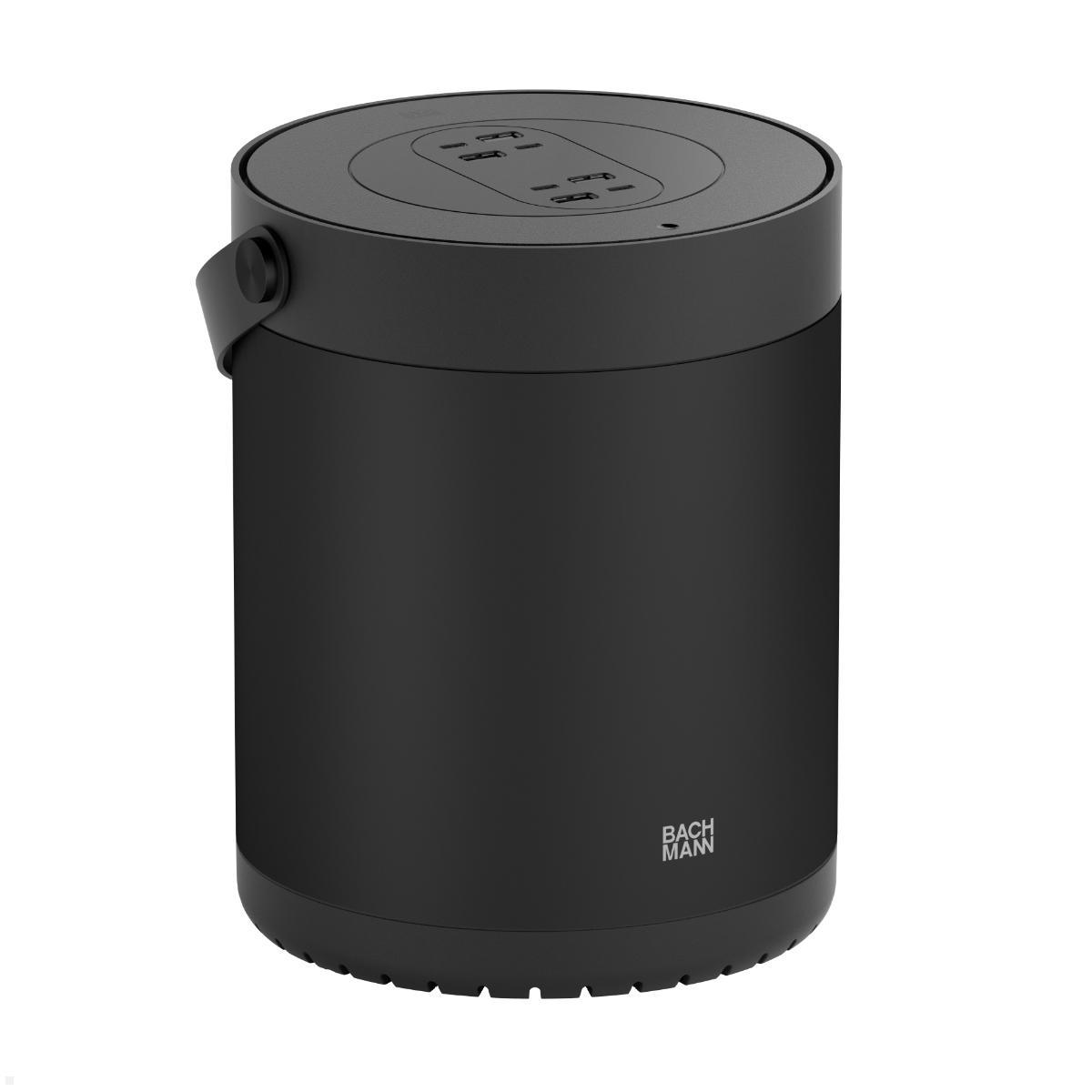
Not all applications require a Wi-Fi solution. Depending on the application, classic electrical components can also be a sensible or even more robust alternative. Switchable power strips offer a simple way to disconnect or switch multiple devices simultaneously. This is particularly useful where many devices are operated together – for example, in workplaces or home theater setups. Bachmann offers a wide selection of professional power strips, e.g., from the PRIMO, UNIVERSAL, or STEP series.
- Power strips with surge protection
Surge protection can be useful for sensitive devices such as computers, monitors, or audio systems. Many Bachmann power strips are designed to absorb voltage spikes. - Tabletop and Workstation Connection Panels
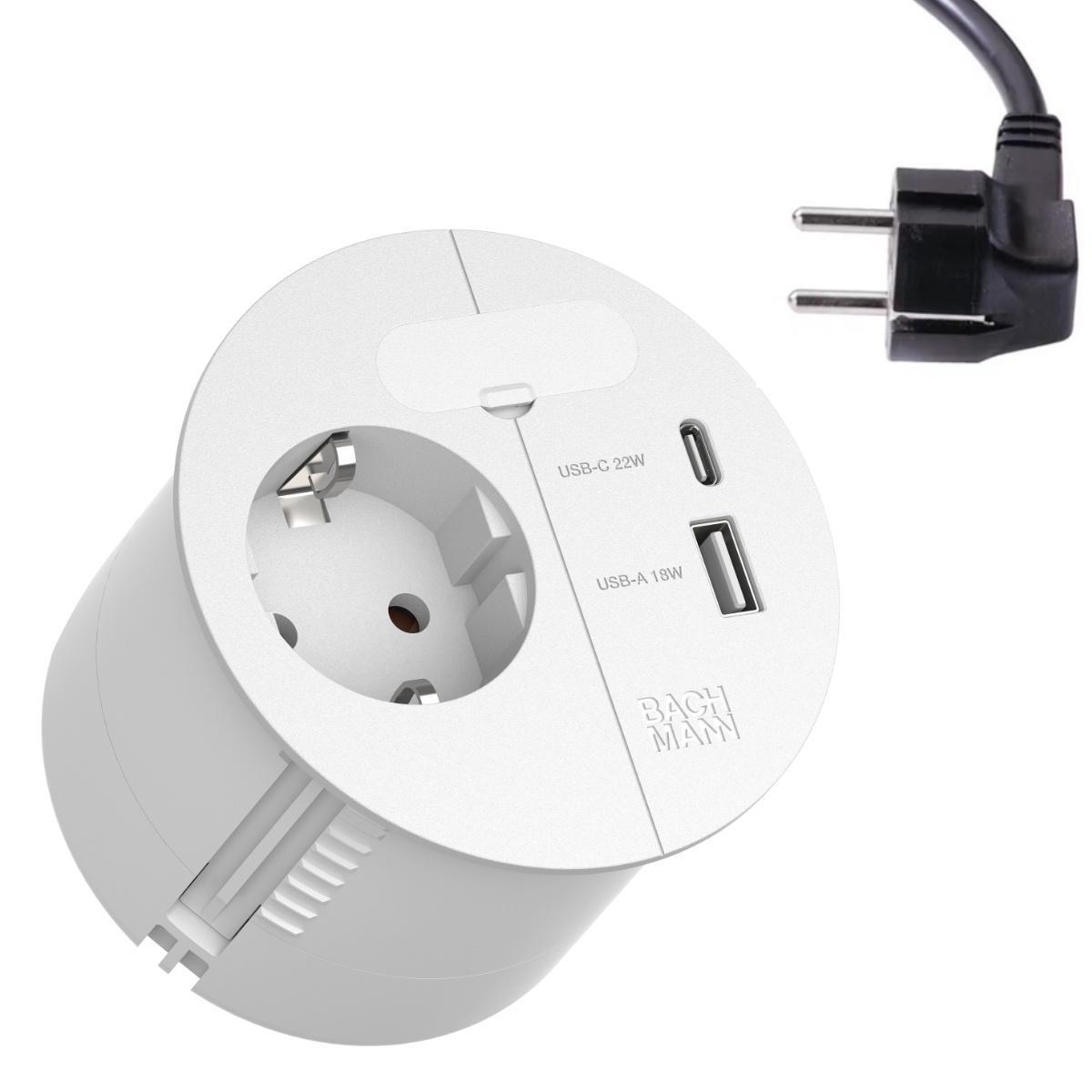
Modular connection panels like DESK or DESK2 from Bachmann are ideal for workstations, meeting rooms, or home offices. They offer power, data, and USB connections in a single integrated unit. - Mechanical Timers
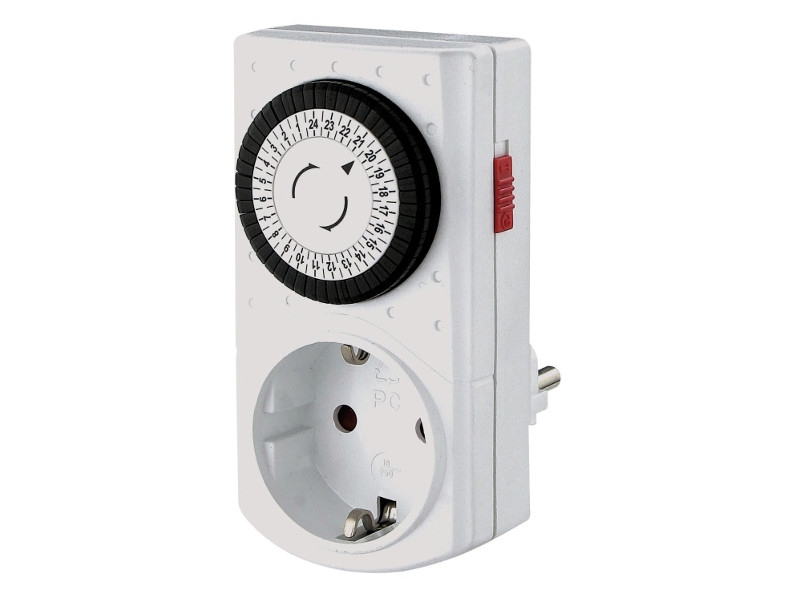
If the only requirement is to switch devices on and off at specific times, a simple mechanical timer may suffice—no Wi-Fi or app needed. - Wireless Sockets
Classic wireless sockets can also be used as an alternative to Wi-Fi sockets. They are less complex but offer simple remote switching functions.
Anything is possible – nothing is mandatory
Wi-Fi sockets are a practical way to make everyday life more comfortable and energy-efficient. They offer many features that can make your home or workplace smarter—but they don't have to. Whether you automate individual devices, use specific routines, or simply reduce standby power consumption: every application is optional and can be used exactly as it suits your own living or working situation. Smart home technology thus remains a modular system from which everyone selects precisely the elements that actually make their personal daily life easier.